Copilot in 2026: A practical governance checklist using Microsoft’s Copilot Control System
Copilot in 2026: A practical governance checklist using Microsoft’s Copilot Control System
Microsoft 365 Copilot can feel like a quick win, but it also shines a light on whatever is already messy in your tenant: sprawling SharePoint permissions, inconsistent labels, and unclear ownership of who can build and publish agents. The organisations that get value fast tend to treat Copilot as a governed programme, not a licence rollout.
Microsoft’s Copilot Control System is a useful way to structure that programme. It groups what you need to do into three areas: security and governance, management controls, and measurement and reporting. Start there, then turn it into a short, repeatable checklist you can run before each wave of users.
Get the basics right (before you even pilot)
- Confirm who owns Copilot: IT, security, compliance, data owners, and the business sponsor. Put names to it.
- Map data locations that Copilot will reach (SharePoint, OneDrive, Teams, Exchange) and identify your “high-risk” sites.
- Decide your minimum standard for devices and sign-in: multi-factor authentication, compliant devices, and strong admin controls.
Reduce data overexposure
Copilot respects existing permissions. That is good, but it means historical “everyone has access” decisions become instantly visible.
- Review high-traffic SharePoint sites and Teams: remove broad access, tidy up guest access, and reduce legacy sharing links.
- Apply sensitivity labels and a simple information handling policy people can follow.
Control how Copilot and agents are used
Decide who can create agents and where they can be published. Treat agent publishing like code deployment: it needs ownership, testing, and change control.
- Define your approved connectors and data sources. If you cannot explain where an agent’s data comes from, do not ship it.
- Put a review step in place for high-impact use cases (HR, finance, customer data, regulated datasets).
Manage the rollout like a product
Pilot with clear scenarios (drafting, summarising meetings, finding policies) and a “do not use” list (confidential casework, personal data not in approved systems).
- Train managers as much as end users. Most risk comes from “I didn’t realise it could see that” rather than malicious intent.
- Create a simple support route for users: “Is this a Copilot issue, a permissions issue, or a data quality issue?”
Measure what matters
You need evidence that Copilot is helping and that governance controls are working.
- Track adoption and scenario usage, but also track risk signals: data oversharing fixes completed, label coverage, and DLP exceptions.
- Run a monthly governance review: what was built, what changed, and what needs remediation.
The point of a governance checklist is speed. When your controls are clear, you can expand Copilot confidently, prove value, and avoid the painful “stop and reset” that happens when security and compliance are bolted on later.
A simple starting point is a two-week pilot in one department: fix the top three permission issues you uncover, publish a short “safe use” guide, and schedule a monthly review.
When governance is lightweight and repeatable, you can scale Copilot without slowing the business, and you can evidence progress to leadership and auditors.
We’ve turned that into a simple checklist you can run before each wave of users:
✅ define ownership across IT, security, compliance and data owners
✅ reduce data overexposure (permissions, guest access, legacy sharing links)
✅ control agent creation/publishing and approved connectors
✅ run rollout like a product (clear scenarios + “do not use” list)
✅ measure what matters (adoption + risk signals, not just usage)
The aim is speed with confidence: clear controls, faster scaling, fewer “stop and reset” moments later.
If you’re planning Copilot expansion this year, a good starting point is a two-week pilot in one department, fix the top permission issues it reveals, publish a short “safe use” guide, and schedule a monthly governance review.
Ready to move from ideas to delivery?
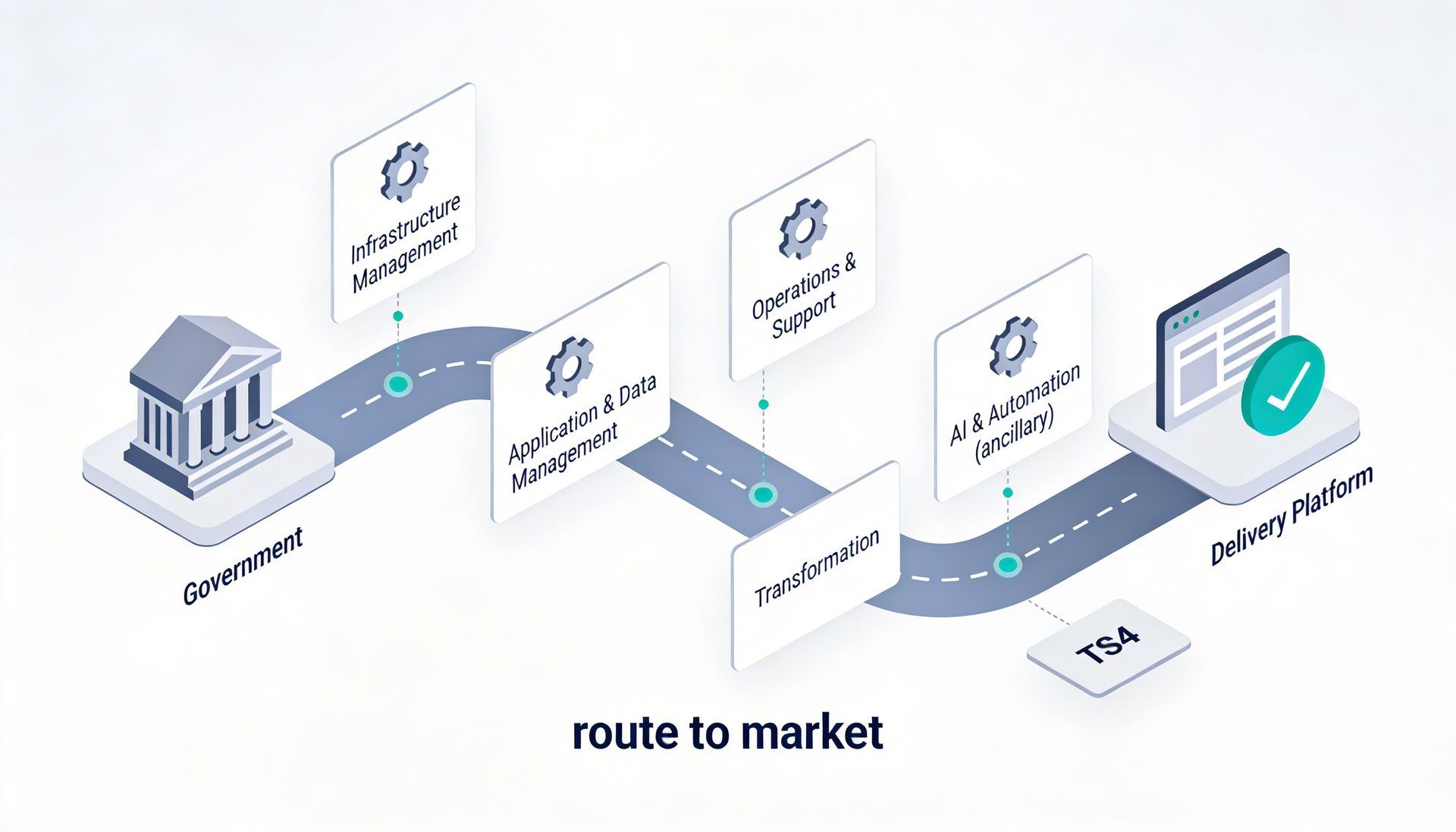
Whether you’re planning a cloud change, security uplift, cost governance initiative or a digital delivery programme, we can help you shape the scope and the right route to market.
Email:
innovate@altiatech.com or call
0330 332 5842 (Mon–Fri, 9am–5:30pm).
Main contact page: https://www.altiatech.com/contact