Break-glass accounts and emergency access: the Entra ID control most organisations get wrong
Break-glass accounts and emergency access: the Entra ID control most organisations get wrong
Most Microsoft Entra ID (formerly Azure AD) environments have strong Conditional Access policies, MFA, and privileged access controls. Yet tenant lockouts still happen, and they often happen to well-run teams.
The reason is simple: emergency access (break-glass) accounts are easy to set up, but surprisingly easy to get wrong. If the account is too locked down, it won’t work when you need it. If it’s too open, it becomes your highest-risk credential.
The goal is not to create a “super admin nobody touches”. The goal is to create a safe, tested, auditable escape hatch that prevents a business-stopping lockout and supports controlled recovery during incidents.
What a break-glass account is (and when you actually need it)
A break-glass or emergency access account is a highly privileged account (typically Global Administrator) designed to be used only when normal admin access is unavailable, for example:
- a Conditional Access misconfiguration blocks all admins
- MFA methods fail or an identity provider outage prevents sign-in
- Privileged Identity Management (PIM) activation is unavailable
- your admin accounts are compromised and you need a clean recovery route
- a new security baseline policy (or managed policy) causes unintended lockout
Microsoft explicitly recommends emergency access accounts to prevent accidental lockout of your Entra organisation, and notes they should use strong, independent authentication and be carefully protected and monitored.
(Reference: Microsoft guidance on emergency access accounts.)
Why organisations get this wrong
Break-glass is one of those controls that “exists on paper” but fails in real life. The most common failure modes we see are:
1) The account is excluded from Conditional Access, but not actually usable
Many teams exclude the account from policies, then forget that MFA requirements still apply in many scenarios. Microsoft’s guidance now emphasises passwordless methods (for example FIDO2/passkeys or certificate-based auth) for emergency accounts to satisfy MFA requirements reliably.
What this looks like in practice:
You try to use the break-glass account during an incident, then realise the second factor is tied to a device that’s unavailable, an authenticator that’s been wiped, or a method that expired.
2) The account depends on the same thing that just failed
A common mistake is making the emergency account dependent on the same identity path as normal accounts (for example federation, the same MFA method, or the same device management dependency).
Rule of thumb: your emergency access should not rely on the same components that are likely to be impacted by a tenant-wide incident.
3) It exists, but nobody can access it (or too many people can)
Some firms store credentials in a way that is either:
- too restricted (nobody can retrieve it quickly when needed), or
- too broad (too many people can access it day-to-day, which increases compromise risk)
4) It’s not monitored, so misuse is invisible
A break-glass sign-in should be a high-severity event. If you don’t have alerting and a response runbook, you may not notice a compromise until it’s too late.
5) It’s never tested, so it silently breaks
Emergency accounts can drift out of compliance: authentication methods expire, policies change, roles are modified, or accounts are disabled by “inactive user” clean-up habits.
If you don’t test it, you don’t have an emergency control, you have an assumption.
What “good” looks like in Microsoft Entra ID
Microsoft’s published approach is clear: you should have emergency access accounts with Global Administrator, strong authentication, and operational controls that prevent lockout and reduce compromise risk.
Here’s a practical blueprint that works.
1) Create at least two emergency access accounts
Two accounts reduces the risk of a single failure mode (lost device, broken method, misconfiguration, or accidental disablement).
- Make them cloud-only wherever possible
- Assign Global Administrator
- Ensure the assignment is permanent/active, not eligible, for emergency accounts (Microsoft guidance explicitly calls this out for PIM)
2) Use strong authentication that is independent from normal admin accounts
Microsoft recommends passwordless methods for emergency access accounts (for example passkey/FIDO2, or certificate-based authentication where you have PKI). The key is independence.
- Do not use the same MFA method as your normal admin accounts
- Avoid methods that depend on a single person’s phone
- Avoid anything likely to expire or be cleaned up due to inactivity
Practical approach:
Use hardware-backed credentials (FIDO2/passkey) stored securely, with controlled access.
3) Exclude emergency accounts from Conditional Access policies (including managed policies)
This is the part that feels uncomfortable, but it’s the point of break-glass: prevent tenant lockout.
Microsoft’s Conditional Access guidance explicitly references excluding break-glass/emergency access accounts from policies, including Microsoft-managed policies.
Important nuance:
Many organisations keep
one account fully excluded (true break-glass), and have the
second account with additional restrictions (for example location/device constraints) as a “less emergency” fallback. The right balance depends on your risk appetite, but you should always preserve at least one path that prevents total lockout.
4) Lock down how the accounts are used operationally
Break-glass isn’t only a technical configuration. It’s a process.
Minimum operational controls we recommend:
- Named authorised individuals (small set)
- Two-person control for access and use (where practical)
- Use a Privileged Access Workstation (PAW) or similarly hardened admin device for emergency sign-ins (NCSC guidance supports PAW principles for high-risk admin actions)
- A clear rule: emergency access is only used for specific scenarios, then the session is closed and reviewed
5) Monitor and alert on every sign-in
A break-glass sign-in should trigger:
- immediate alerting to security/operations
- confirmation of who initiated it and why
- review of the actions performed
- a follow-up improvement ticket (what failed and what’s being prevented next time)
If a break-glass account signs in at 3am and nobody knows, you’ve created a perfect attacker pathway.
6) Test on a schedule (and treat failures as incidents)
Test at least quarterly, and after any major identity change (policy updates, MFA shifts, managed policy adoption, tenant restructuring).
Testing should validate:
- you can retrieve the credential quickly through the approved process
- the authentication method works
- the account is not blocked by new policies
- logging/alerting triggers correctly
- the recovery actions you expect to perform are viable
Why this matters even more in 2026
Identity remains the primary perimeter, but it’s also the foundation for:
- Copilot and agent rollouts
- broader SaaS adoption
- secure remote access models
- audit readiness and compliance evidence
As you tighten controls (Conditional Access, stronger MFA, PIM), the risk of accidental lockout rises. Ironically, the more security you add, the more you need a properly engineered emergency path.
Done well, break-glass gives you confidence to improve security without fear that one bad policy change will stop the business.
How Altiatech can help
Altiatech helps organisations design emergency access that is usable, secure, and auditable, without weakening the overall identity posture.
Typical support includes:
- Emergency access design review: assess current break-glass setup against Microsoft and NCSC-aligned best practice, identify lockout risks and compromise risks.
- Two-account blueprint + implementation: cloud-only accounts, correct role assignment, independence of authentication methods, exclusions from relevant policies.
- Conditional Access and PIM alignment: ensure emergency access survives policy changes, managed policies, and PIM operating models.
- PAW / secure admin access approach: pragmatic privileged workstation guidance for high-risk administration and emergency usage.
- Monitoring and alerting setup: high-severity alerts for break-glass sign-ins, plus response playbooks and review cadence.
- Testing and governance cadence: quarterly test runbook, evidence capture for audit, and change-control guardrails to prevent drift.
Want to sanity-check your Entra ID emergency access before you need it?
Speak to Altiatech about your next steps. Email
innovate@altiatech.com or call
0330 332 5842 (Mon–Fri, 9am–5:30pm).
Contact us:https://www.altiatech.com/contact
Ready to move from ideas to delivery?
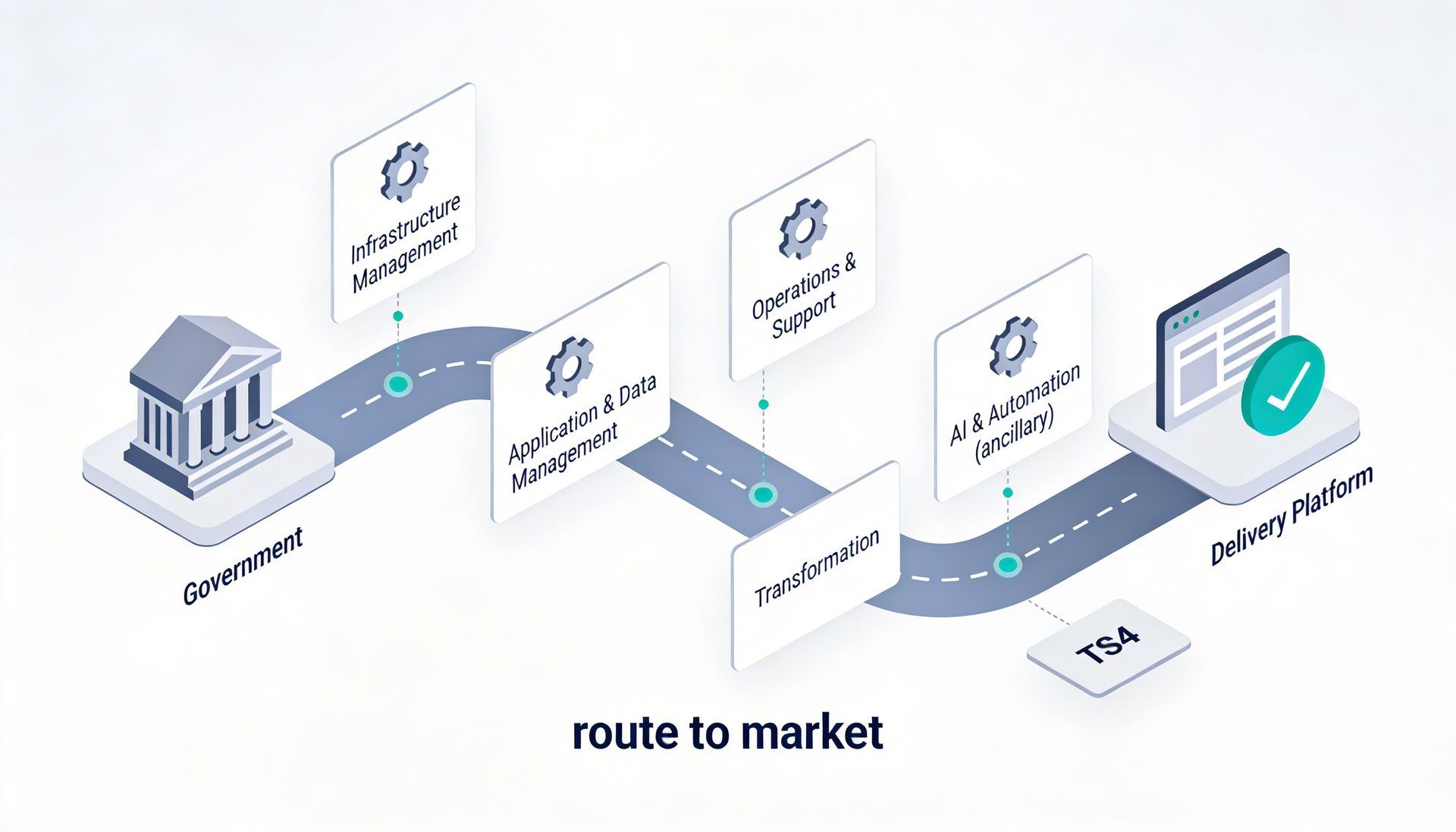
Whether you’re planning a cloud change, security uplift, cost governance initiative or a digital delivery programme, we can help you shape the scope and the right route to market.
Email:
innovate@altiatech.com or call
0330 332 5842 (Mon–Fri, 9am–5:30pm).
Main contact page: https://www.altiatech.com/contact